
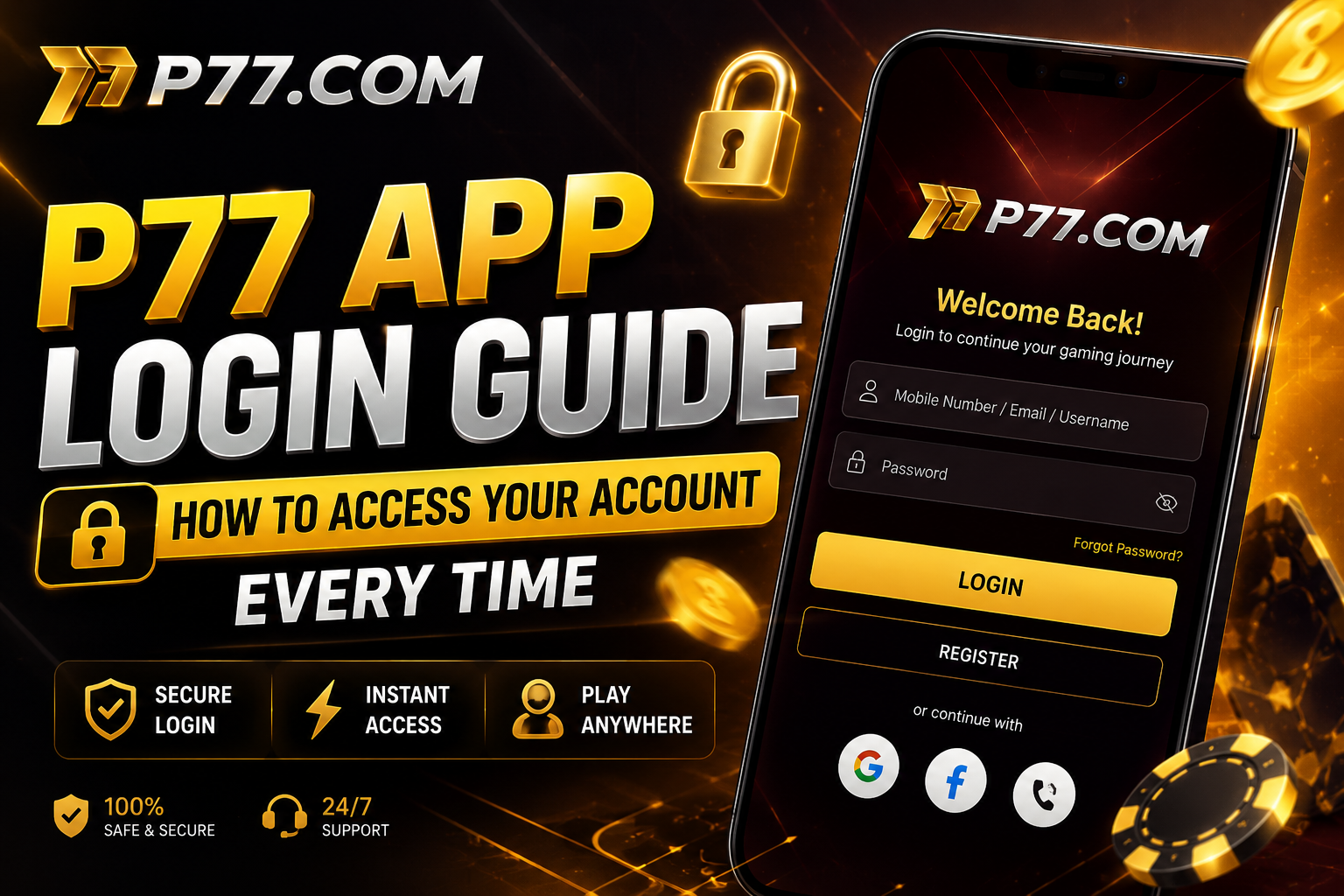
Whether you're opening the P77 App for the first time today or the hundredth, a smooth login experience shouldn't get in the way of your session. This guide walks through the standard login flow, what to do if you get locked out, and simple habits that keep your account secure without adding friction to every visit.
Logging In: The Standard Flow
Most players log in with their registered mobile number and a one-time password (OTP) sent via SMS — there's no separate password to remember for day-to-day access. Open the app, tap Login, enter your mobile number, input the OTP when it arrives, and you're back in your account within seconds.
What to Do If You Can't Log In
If your OTP isn't arriving, first check that your device has signal and that you haven't accidentally blocked SMS from unknown senders. Requesting a new OTP after 60 seconds usually resolves a delayed message. If you've changed your mobile number since registering, you'll need to verify your identity through customer support before access can be restored to a new number.
Staying Logged In Safely
The P77 App keeps you signed in on a trusted device so you don't need to re-enter an OTP every single time you open the app. However, if you share a device with others, it's good practice to log out manually from your profile settings after each session, especially if real money is involved.
Recognising a Fake or Phishing Login Page
Only log in through the official P77 App itself — never through a link sent via SMS, WhatsApp or email claiming to be a "login page" or "verification portal." P77 will never ask for your OTP over a phone call or chat message. If you receive such a request, treat it as a phishing attempt and do not share any code.
Resetting Access After a Lost Device
If you've lost the device linked to your account, contact support with your registered mobile number and any account details you can provide. Once your identity is verified, your account access can be transferred to a new device without affecting your wallet balance or game history.
Key Takeaways
- Login uses your mobile number and a one-time OTP — no separate password to remember.
- Request a fresh OTP if one doesn't arrive within 60 seconds.
- Never enter your OTP anywhere except the official P77 App.
- Log out manually on shared devices to protect your wallet.
- Lost your device? Support can restore access after identity verification.