
Download the P77 App
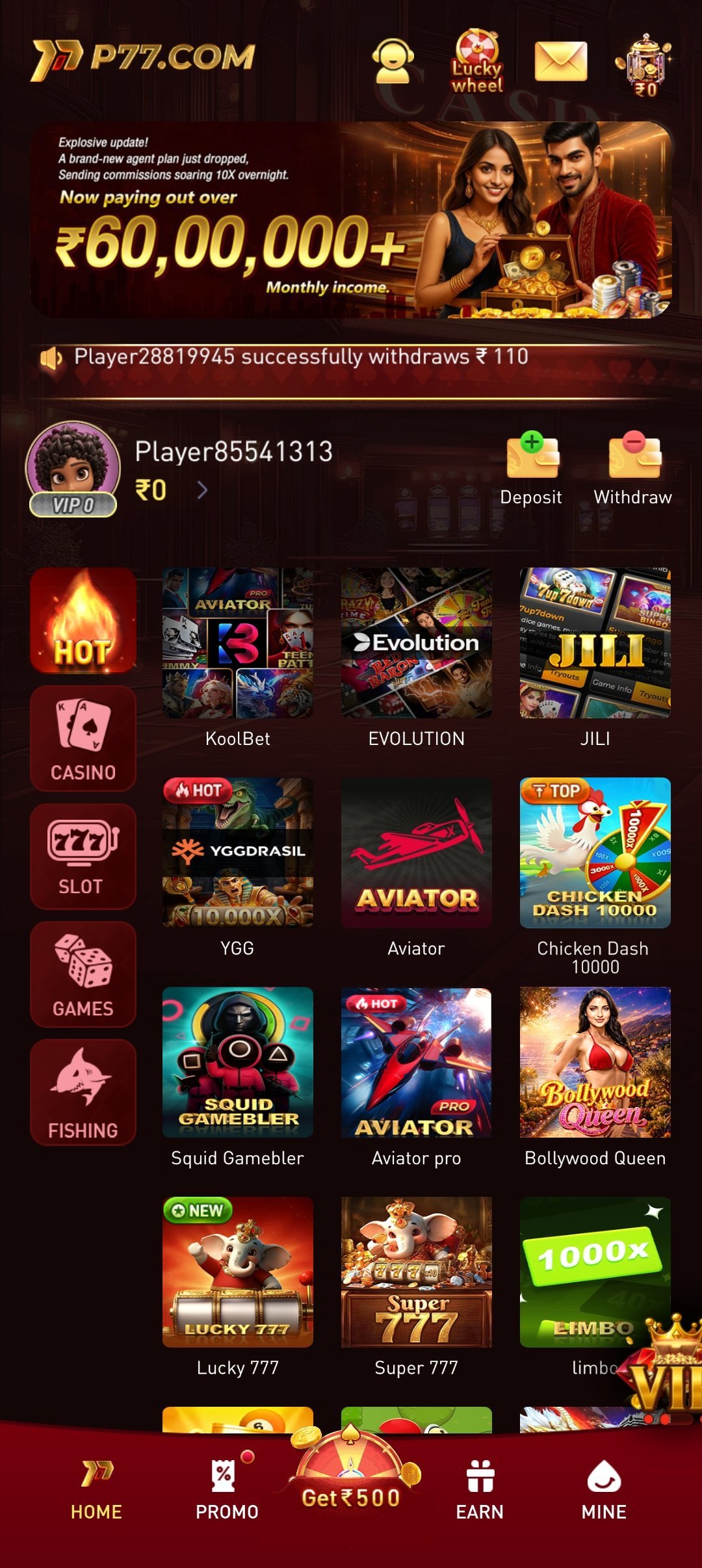
Get the full P77 experience on your phone — 100+ real cash games, instant withdrawals and daily rewards. Available on Android & iOS.
Choose Your Platform
Step-by-step install instructions for Android and iOS.
Android
APK · Direct DownloadTap "Download APK"
Start the download using the button below.
Allow Unknown Sources
Enable installs from your browser in Android settings if prompted.
Install & Play
Open the file, install, register and start winning.
iOS
App Store · iPhone & iPadTap the App Store Button
You'll be taken straight to the official P77 App Store listing.
Tap "Get" to Install
Confirm with Face ID, Touch ID or your Apple ID password.
Open & Register
Launch the app, create your account and claim your welcome bonus.
- Safe Download
- Virus Free
- Fast Install
- 100% Secure
System Requirements
- Android 5.0+
- iOS 12+
- 60 MB free space
- Active internet connection
Device Compatibility
P77 App is built to run smoothly across a wide range of devices.
Android
Supports Android 5.0 (Lollipop) and above, running smoothly on both budget and flagship devices with at least 2GB RAM.
iOS
Supports iOS 12 and above on iPhone and iPad, optimised for both Wi-Fi and mobile data connections.
Network
Works on 4G, 5G and Wi-Fi. A stable connection is recommended for live casino tables specifically.
Troubleshooting Common Install Issues
"App Not Installed" Error
Usually caused by low storage or an outdated Android version — free up space, confirm Android 5.0+, and re-download the APK.
Download Stuck or Very Slow
Switch between Wi-Fi and mobile data, or restart your router, then retry the download.
"Unknown Sources" Blocked
Go to Settings → Apps → Special access → Install unknown apps, and allow it for your browser.
App Crashes on Launch
Reinstall the latest APK from this page, confirm free storage, and restart your device before trying again.
Download FAQs
Real-money gaming apps are restricted from most app-store policies in India, which is why the P77 App is distributed as a direct APK download for Android rather than through the Play Store. This is standard practice across the real-cash gaming industry.
Yes, as long as you download it from the official P77 source linked on this page. Your Android device will show a one-time "install from unknown sources" prompt — this is a standard Android security setting, not a sign of an unsafe file.
This is usually caused by insufficient storage, an older incompatible Android version, or a partially downloaded file. Free up storage, confirm you're on Android 5.0 or later, and try re-downloading the APK before installing again.
Slow downloads are almost always a network issue. Try switching between Wi-Fi and mobile data, or restart your router, then retry the download from the button on this page.
First, make sure you've installed the latest version from this page. If it still crashes, restart your device, confirm you have at least 60MB of free storage, and reinstall the app if the issue persists.
No. Installing a newer APK over an existing P77 App installation will update it automatically without affecting your account or wallet balance.
Yes. The APK is served over a secure connection and doesn't request any permissions beyond what's needed to run the app and process payments securely.
Make sure you're on iOS 12 or later and have a stable internet connection. If the App Store still won't open the listing, try again in a few minutes or contact our support team for the direct link.